

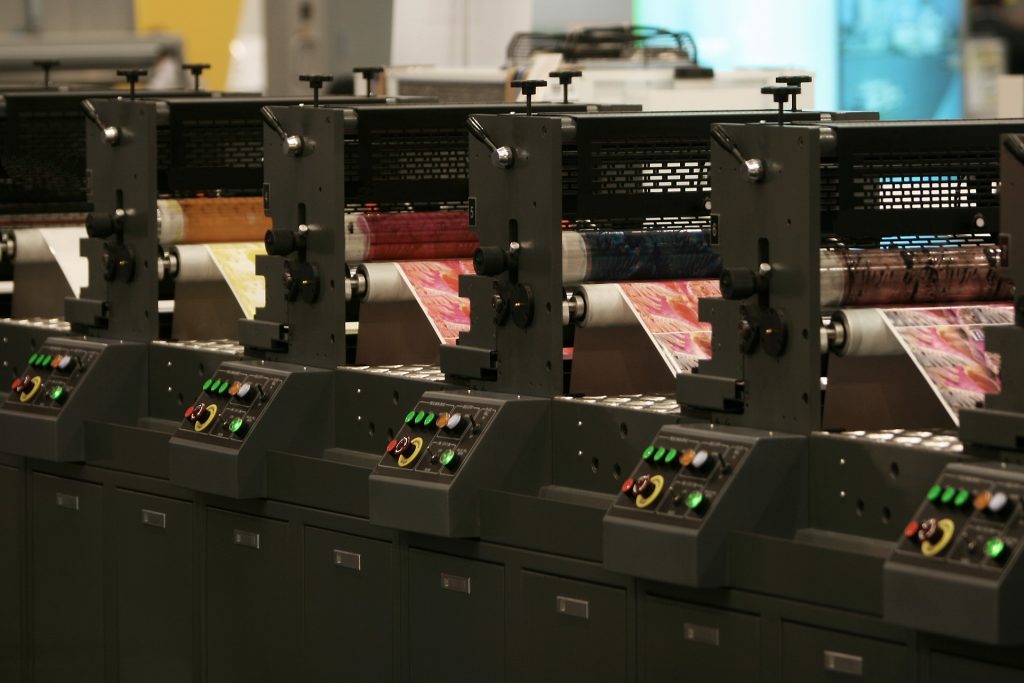
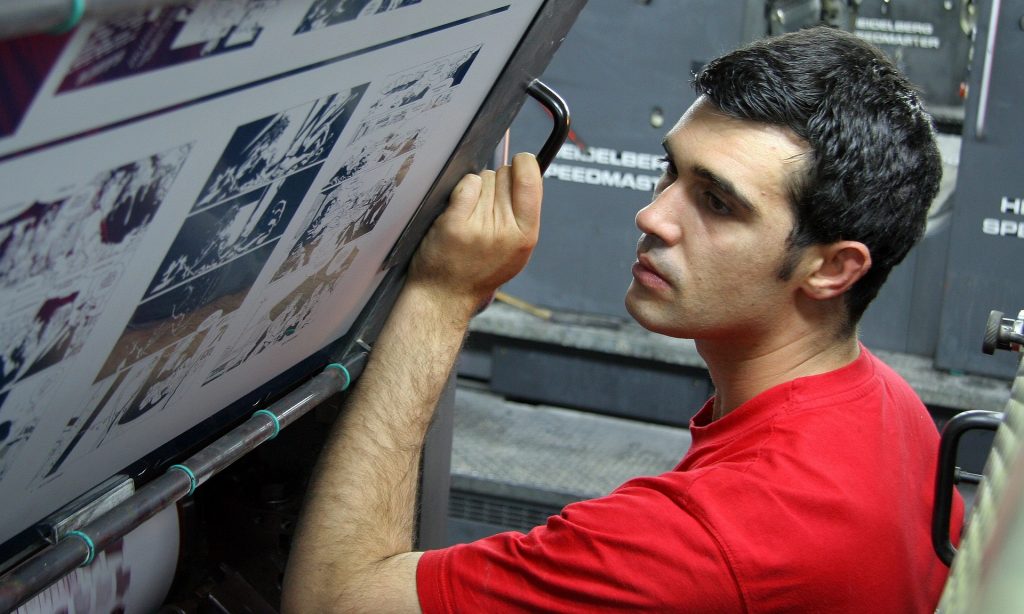
The printing business continues to adapt and grow in today’s fast changing technological context. In 2024, the industry sees an amazing assortment of developments and trends altering how we print and interact with printed goods. From digital printing developments to sustainable practices, let’s look at the printing industry’s trajectory and what’s in store for the remainder of 2024.

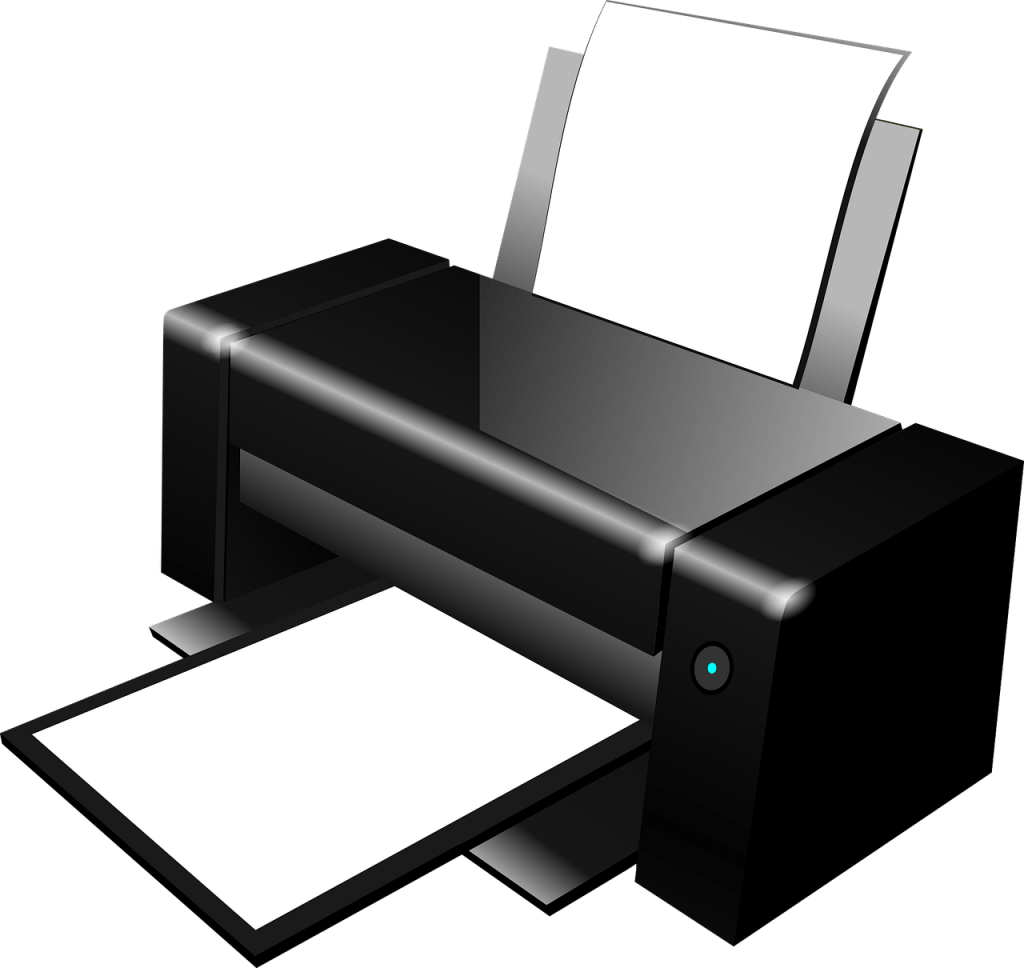
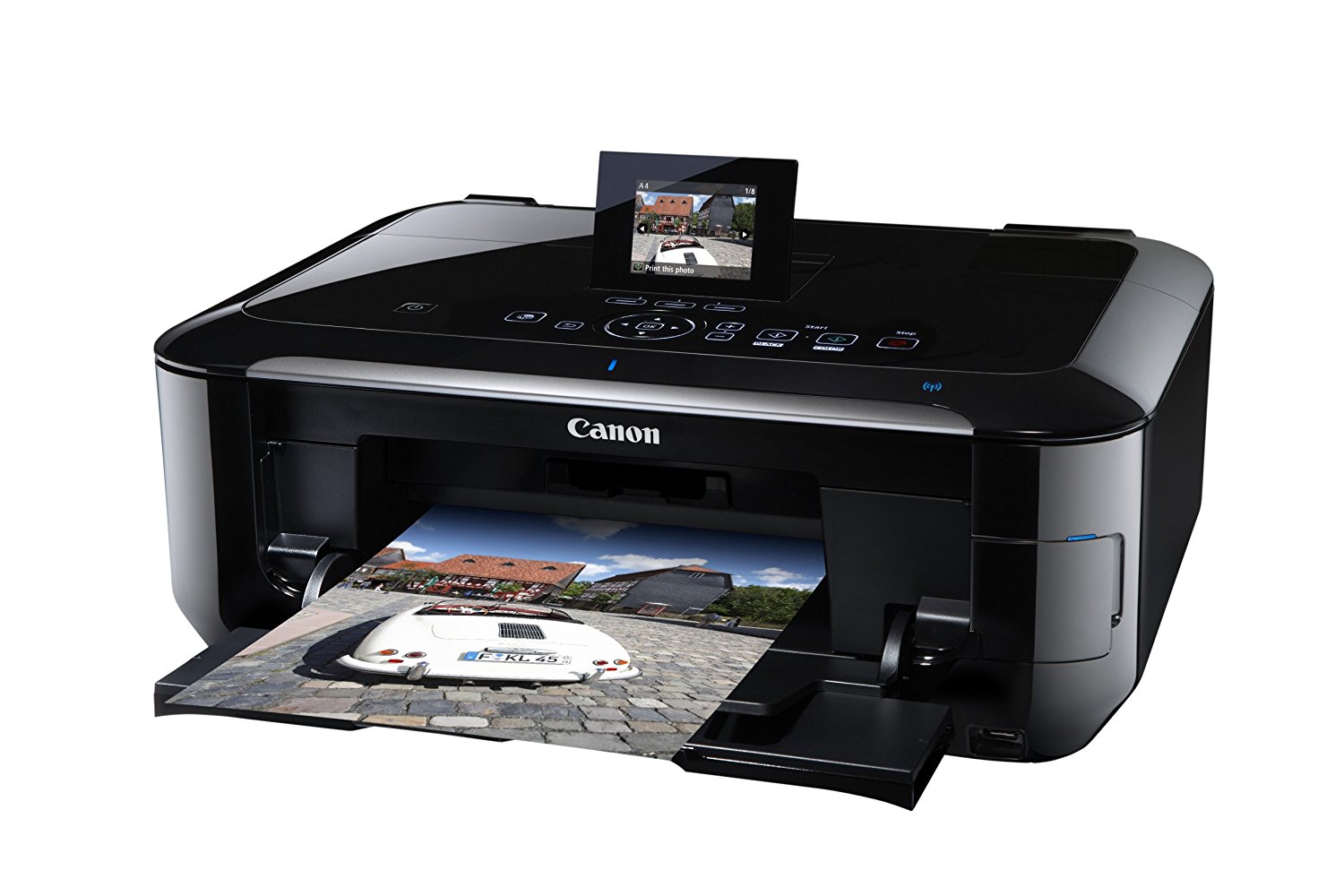
Digital printing technology has revolutionised the printing business, providing greater flexibility, speed, and cost-effectiveness. The desire for personalised and on-demand printing will drive even more use of digital printing solutions in 2024. Businesses are increasingly using variable data printing to personalise information to individual interests, which improves consumer engagement and response rates.
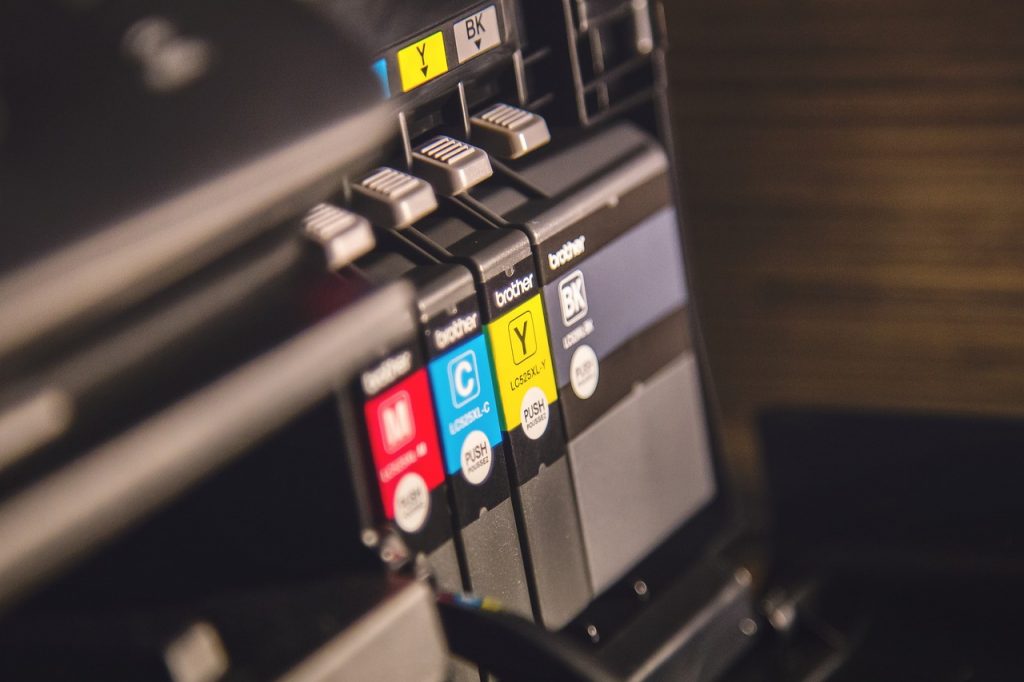
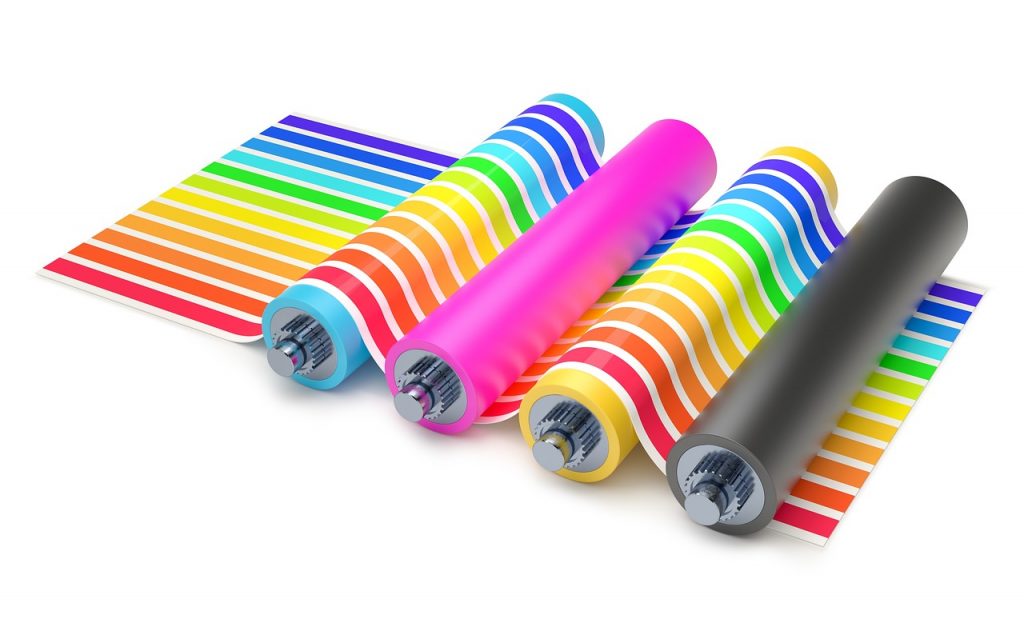
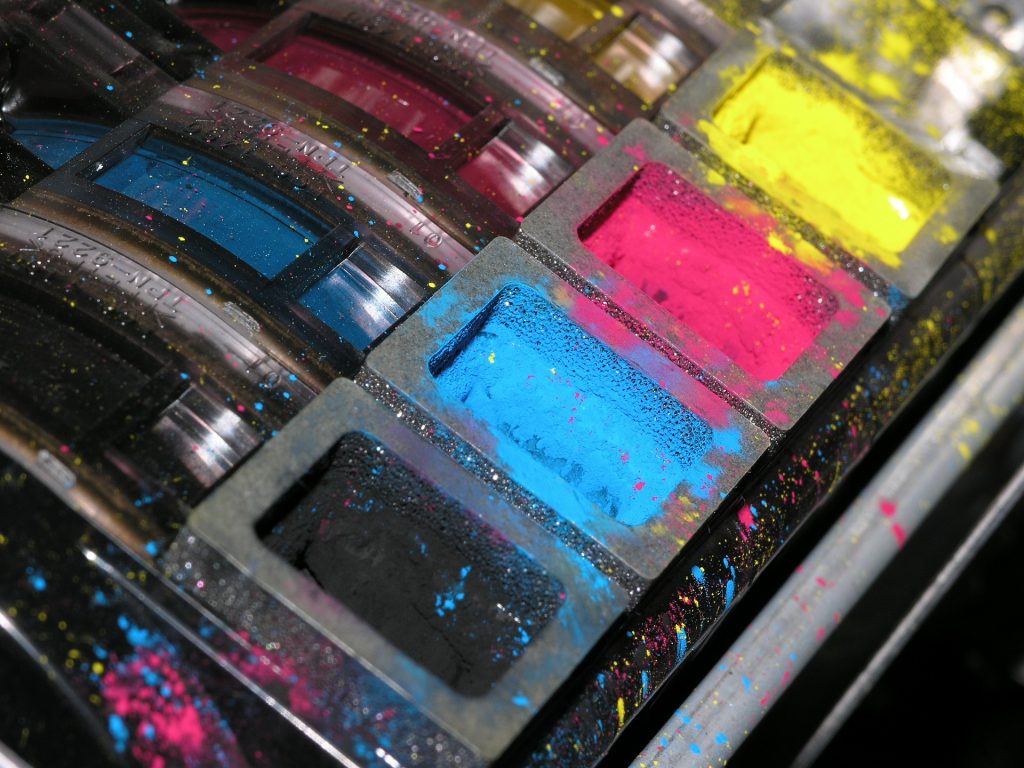
Furthermore, developments in inkjet and toner technology are pushing the limits of print quality, allowing for brighter colours, finer details, and clearer pictures. As a result, digital printing continues to encroach on traditional offset printing, especially for small to medium print runs.
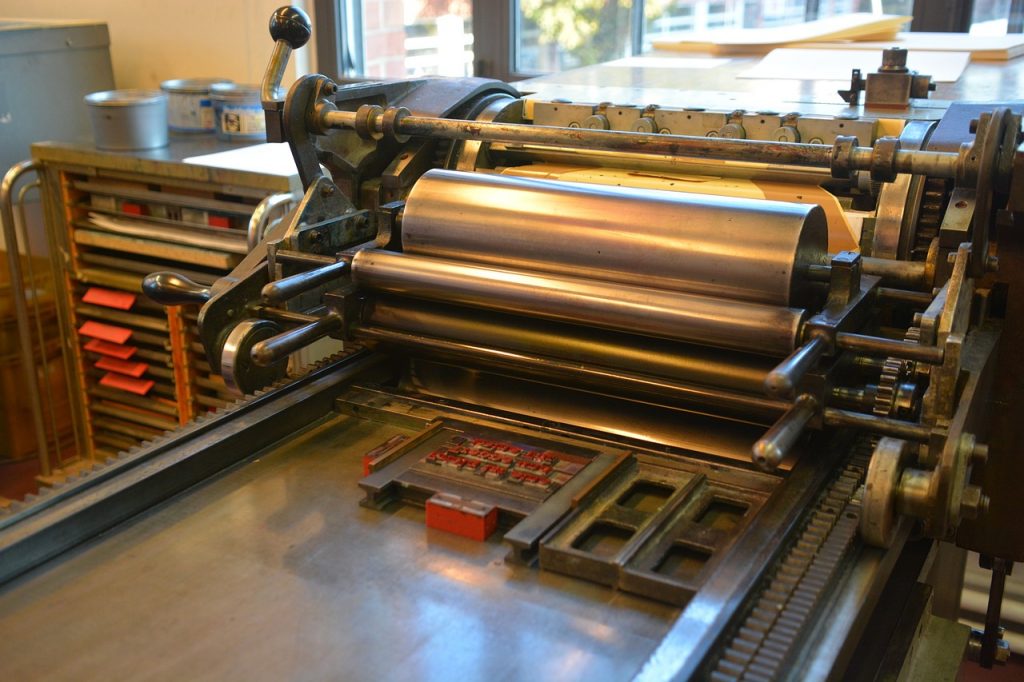
Sustainable practices are becoming increasingly important in several industries, including printing. This year, there will be a greater emphasis on environmentally friendly printing techniques, driven by both consumer demand and governmental restrictions. To lessen their environmental impact, printers invest in energy-efficient equipment, eco-friendly inks, and recycled paper stocks.
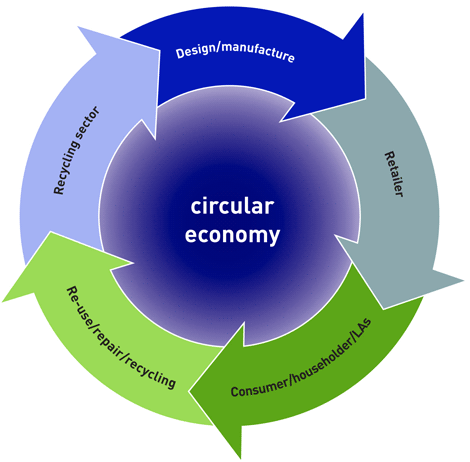
Additionally, the notion of circularity is gaining steam, with printers looking at closed-loop solutions that reduce waste and promote recycling. Printers who use sustainable techniques not only help to environmental conservation, but also appeal to environmentally concerned consumers, boosting their brand name.
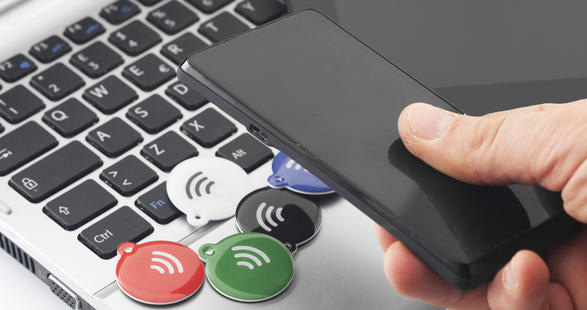
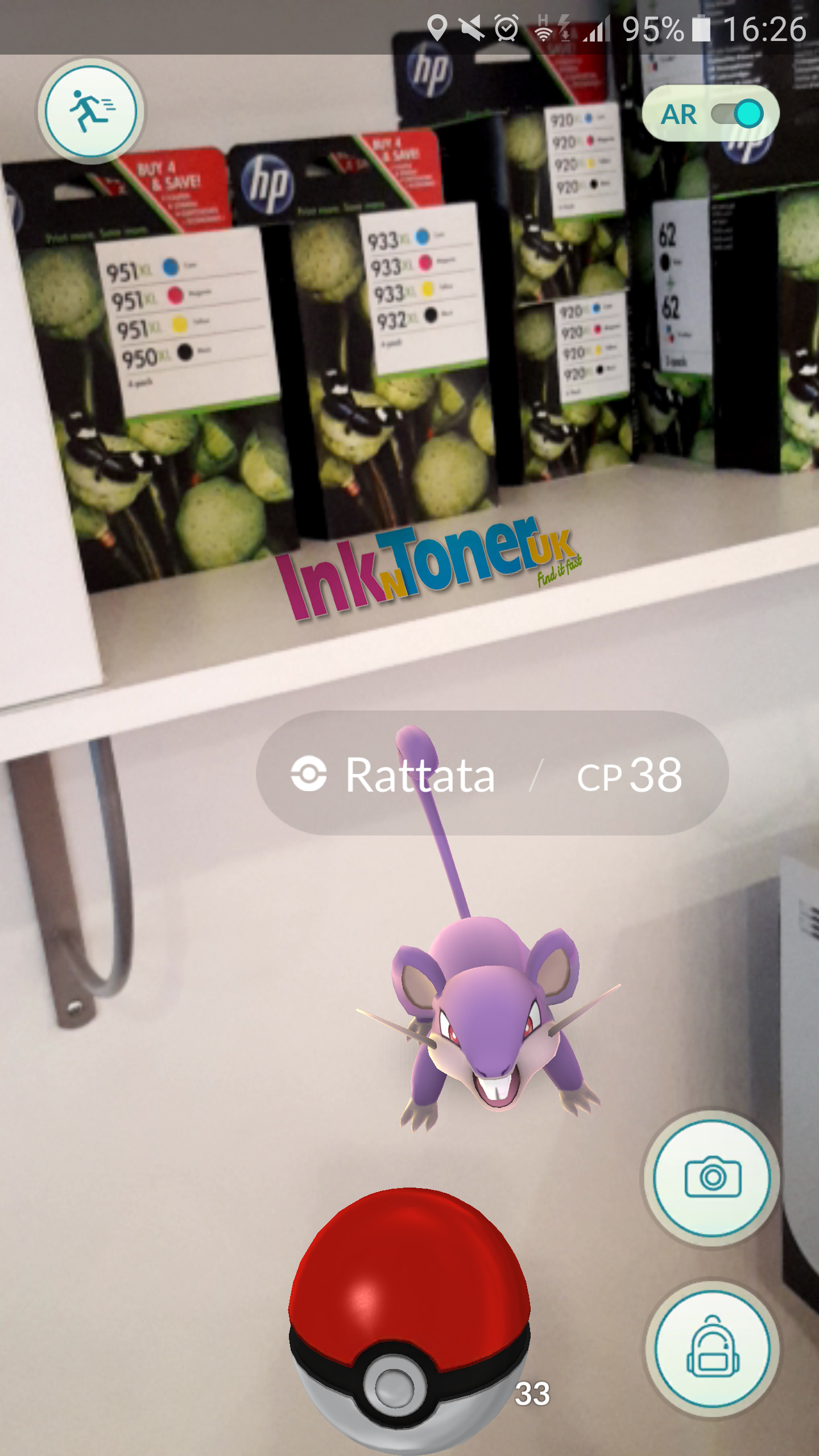
Augmented Reality (AR) integration is transforming how we engage with printed things. In 2024, there is a rising trend of using AR technology into print publications to provide immersive and interactive experiences. Users may increase engagement and involvement by scanning printed papers with a smartphone or tablet and accessing extra information such as films, animations, or 3D models.
This AR integration not only revitalises conventional print media, but also offers advertisers with significant data into customer behaviour and preferences. Businesses that evaluate user interactions with augmented material may improve their marketing techniques and adjust future campaigns for optimal impact.
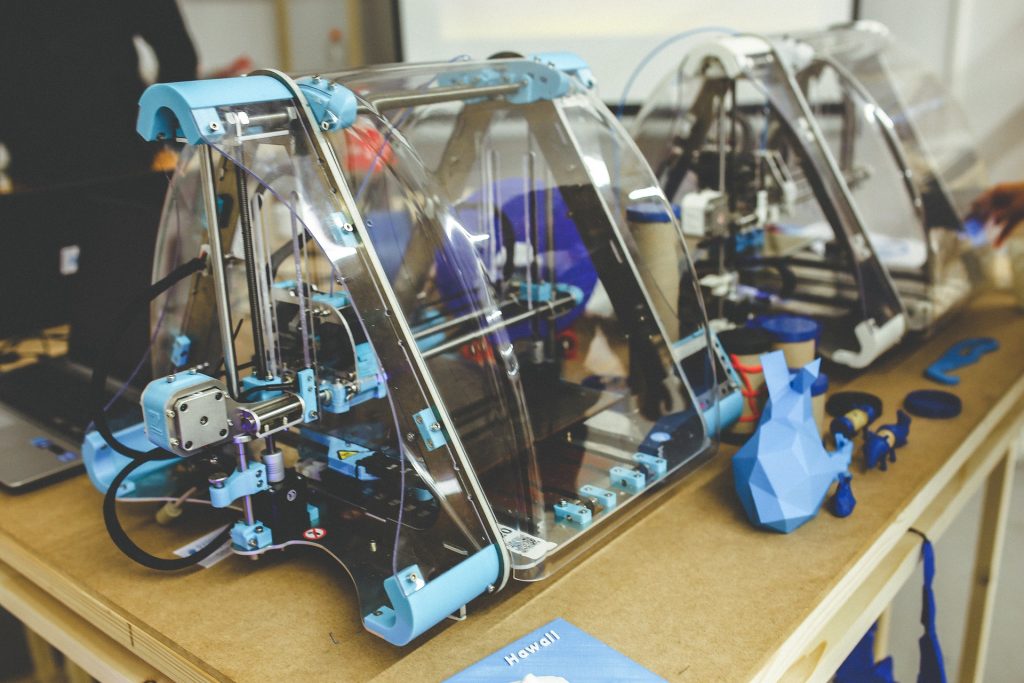
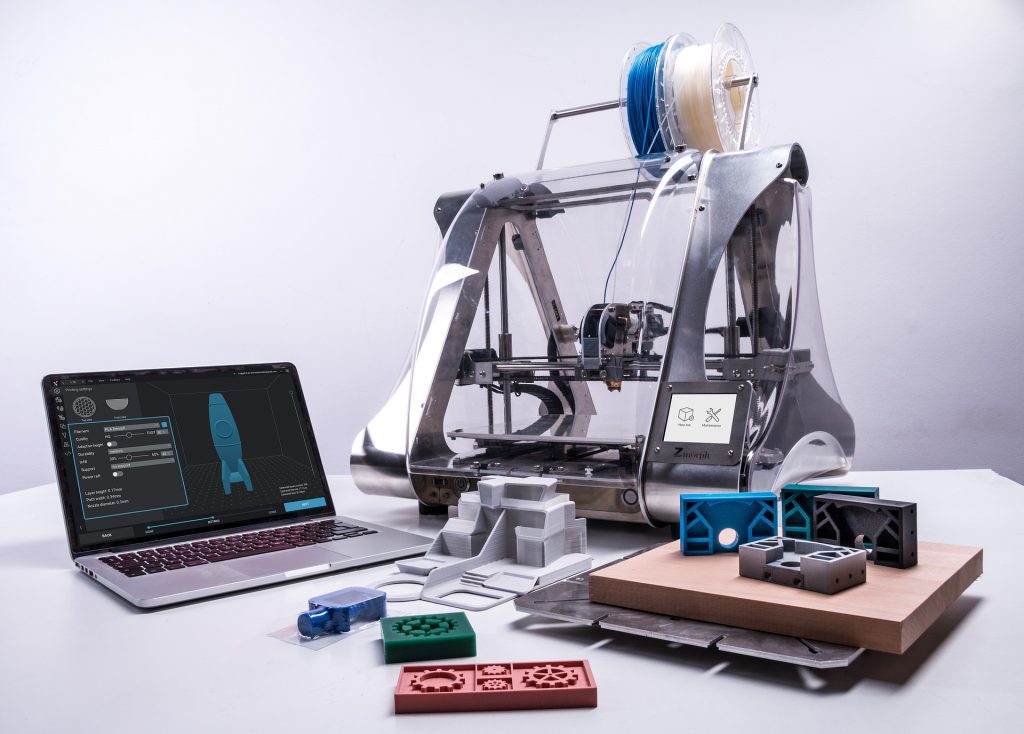
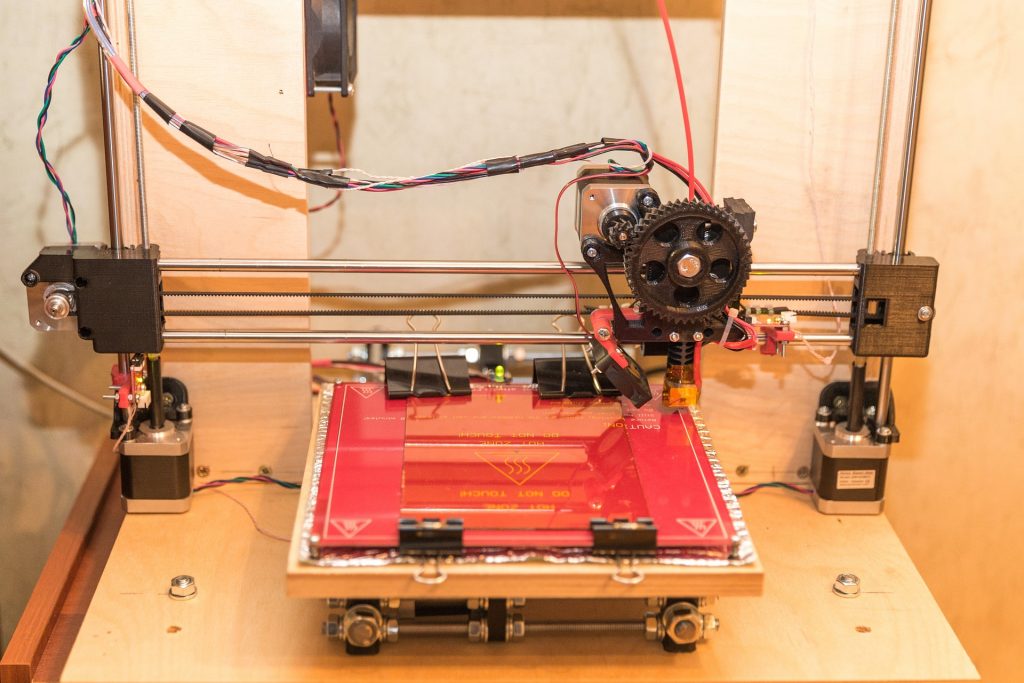
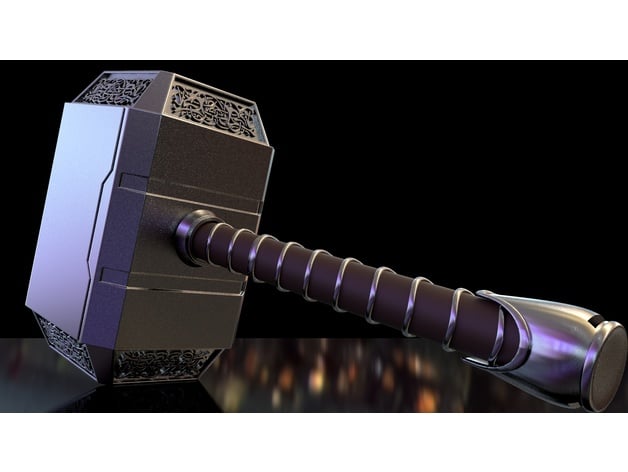
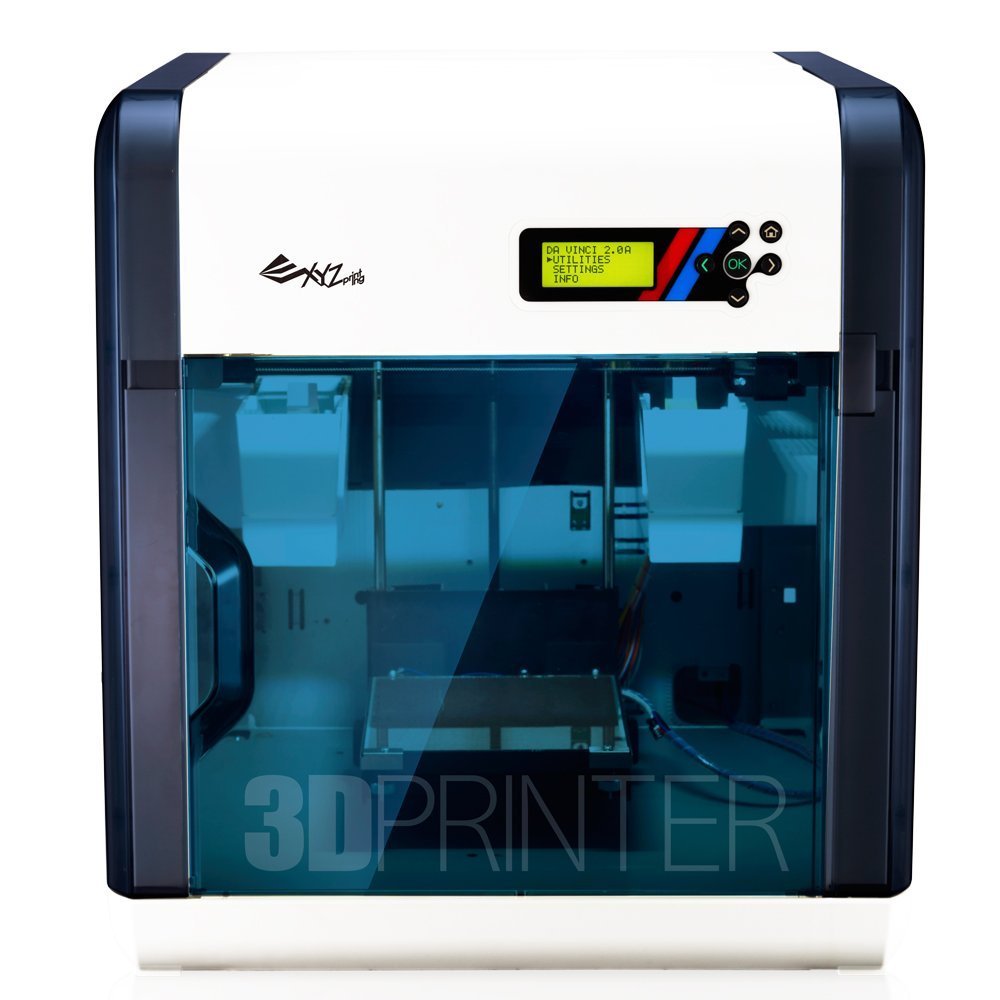
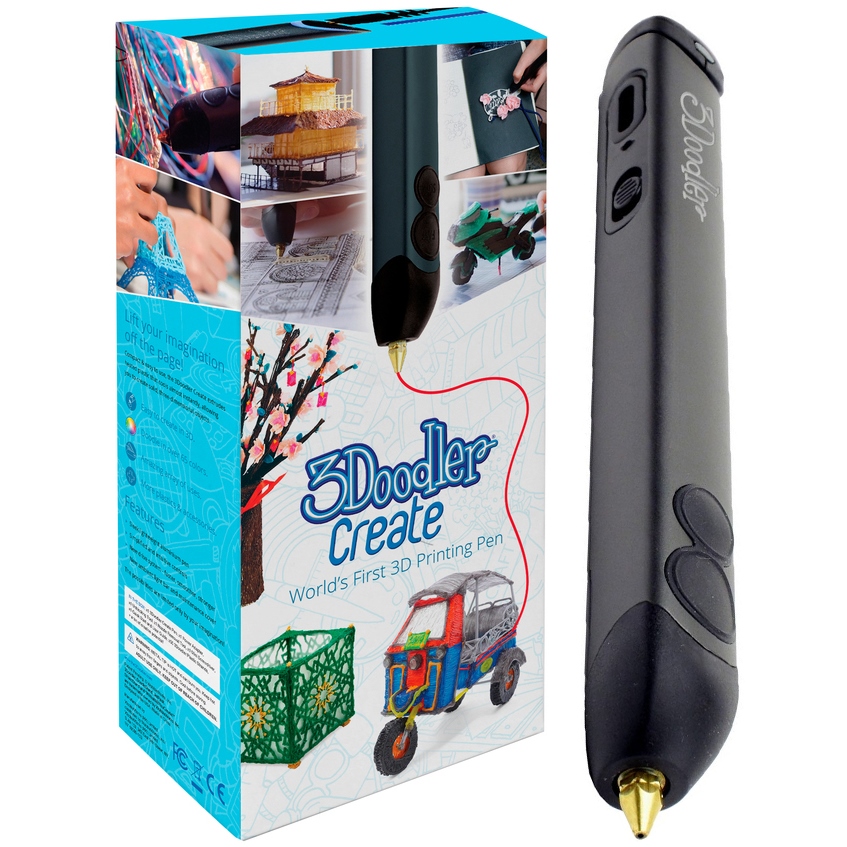
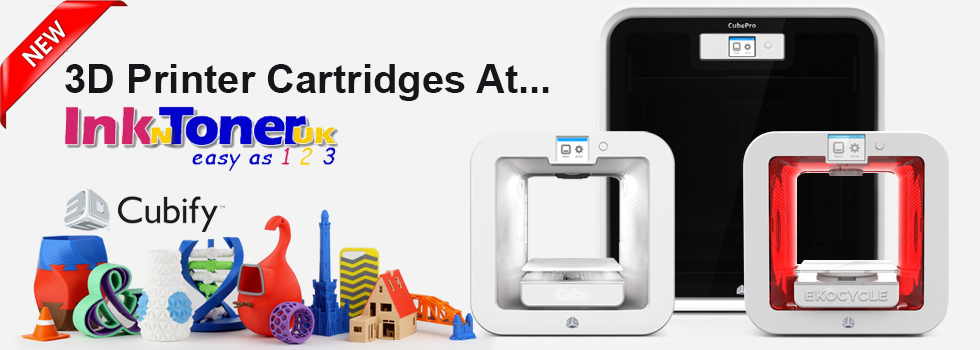
3D printing is becoming more popular and accessible in 2024, despite its long history. From quick prototype to specialised manufacturing, 3D printing provides unrivalled adaptability and efficiency. In the printing sector, 3D printing is being used to create elaborate prototypes, custom packaging, and even working parts for machines.

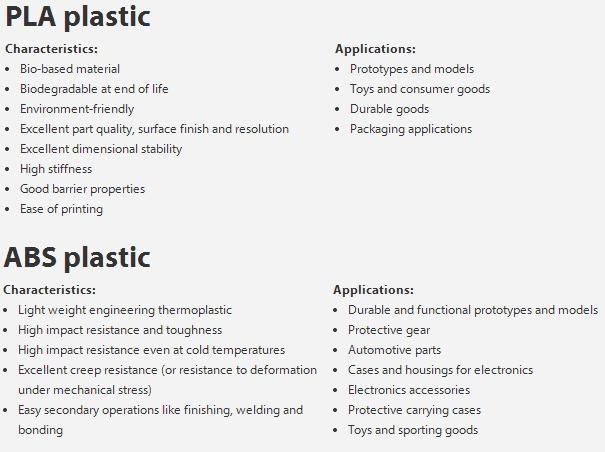
Furthermore, advances in materials science are expanding the applications of 3D printing, with biodegradable and recyclable filaments becoming more common. As technology becomes more inexpensive and accessible, we may expect to see a proliferation of 3D printing services catering to a wide range of sectors and consumer demands.
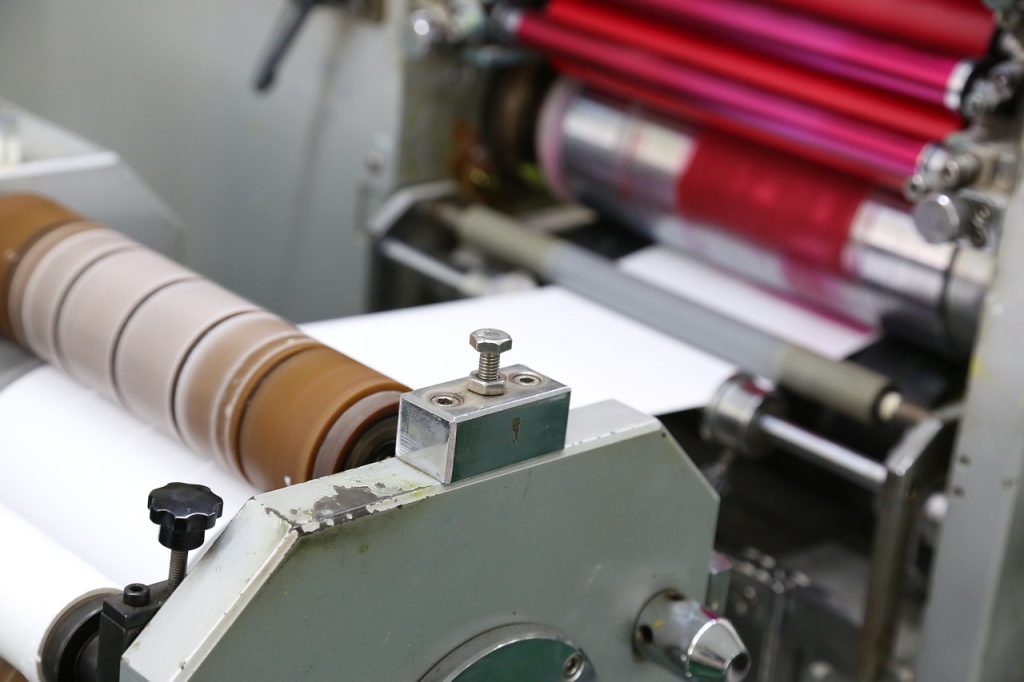
Conclusion: The printing industry in 2024 demonstrates innovation and adaptation. Printers are adopting innovative technologies to create more dynamic and engaging experiences, ranging from digital transformation to sustainable practices and augmented reality integration. As we negotiate the changing environment of printing, one thing is certain: the future is bright, promising, and full of unlimited possibilities.
If you wish to contact us about anything, you can visit our store or see our Contact Us page here. You can also call our number or get in touch with us on our Social Media Accounts. All links and information will be provided at the end of this Blog Post.
We hope this Blog post was useful to you and we encourage you to come back every Friday, when we post new content on our Blog!
Our social media accounts: Twitter | Facebook @Inkntoneruk
Address: 61 East Barnet Road, Barnet, EN4 8RN
Tel: 020 8216 5571


































































































 At
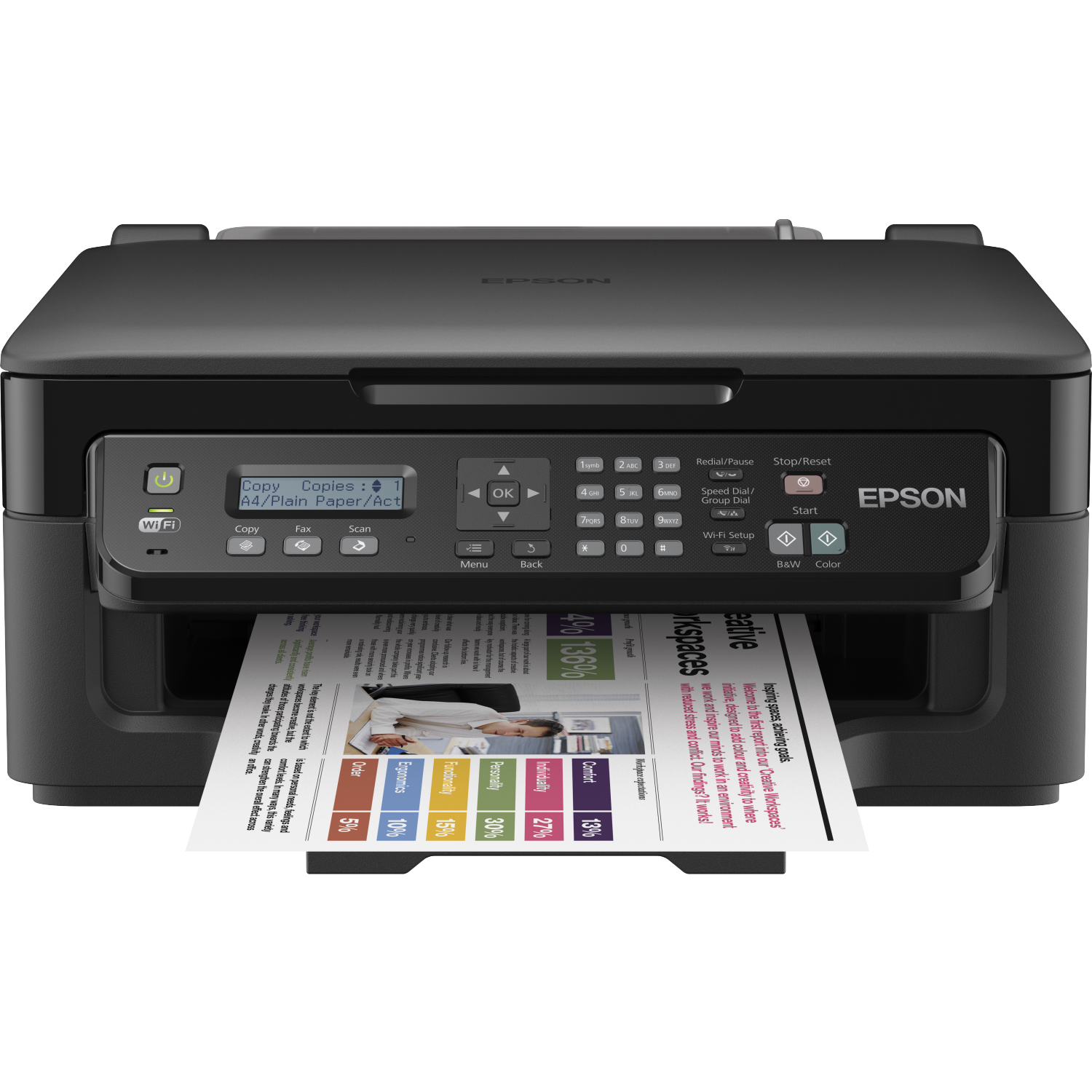
At 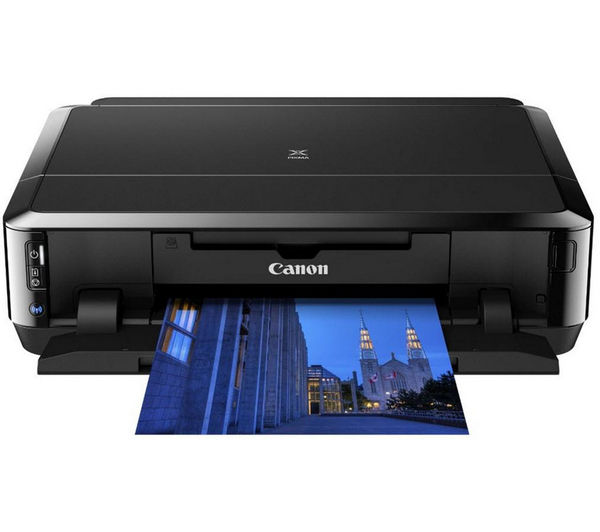 Inkjet Printers
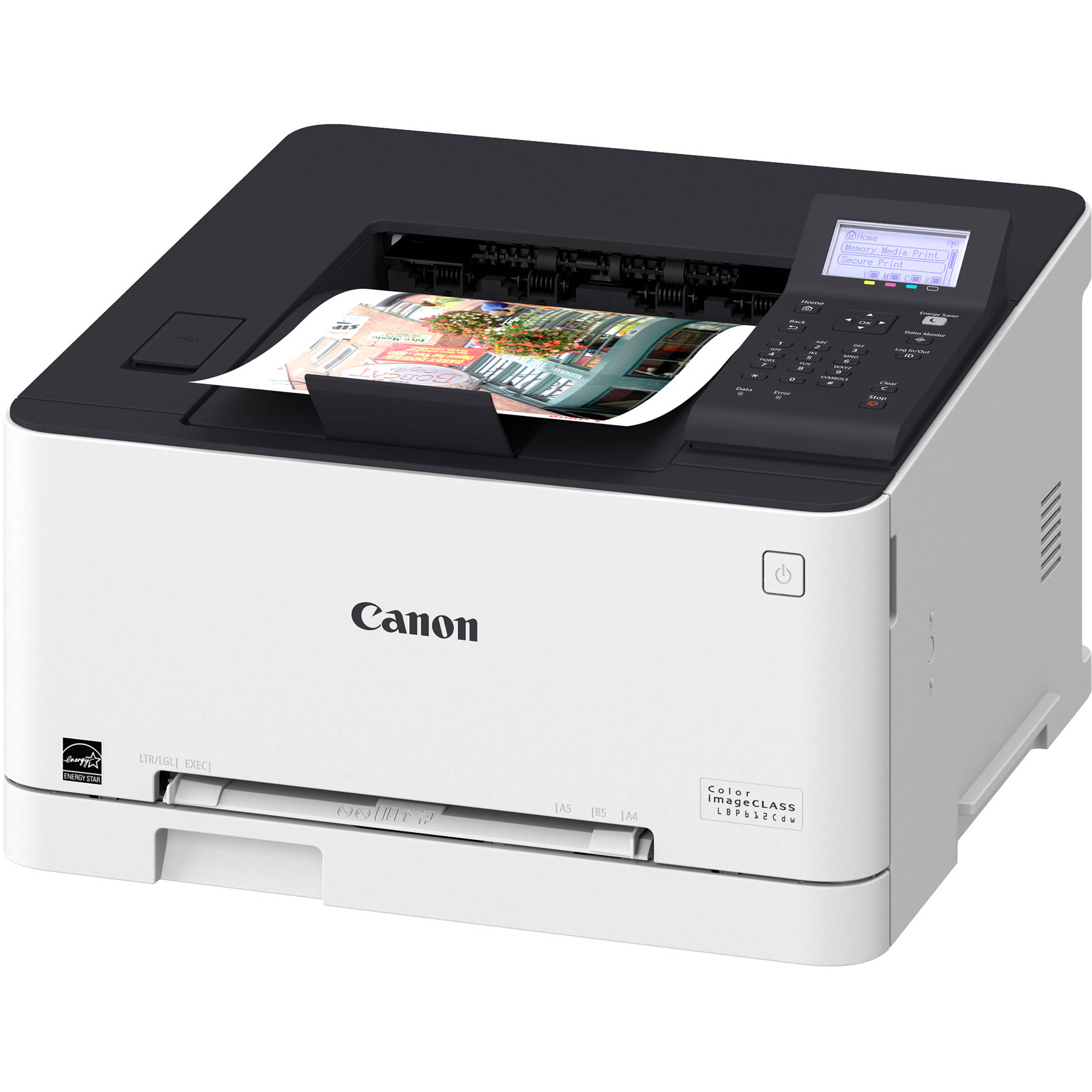 Laser Printers
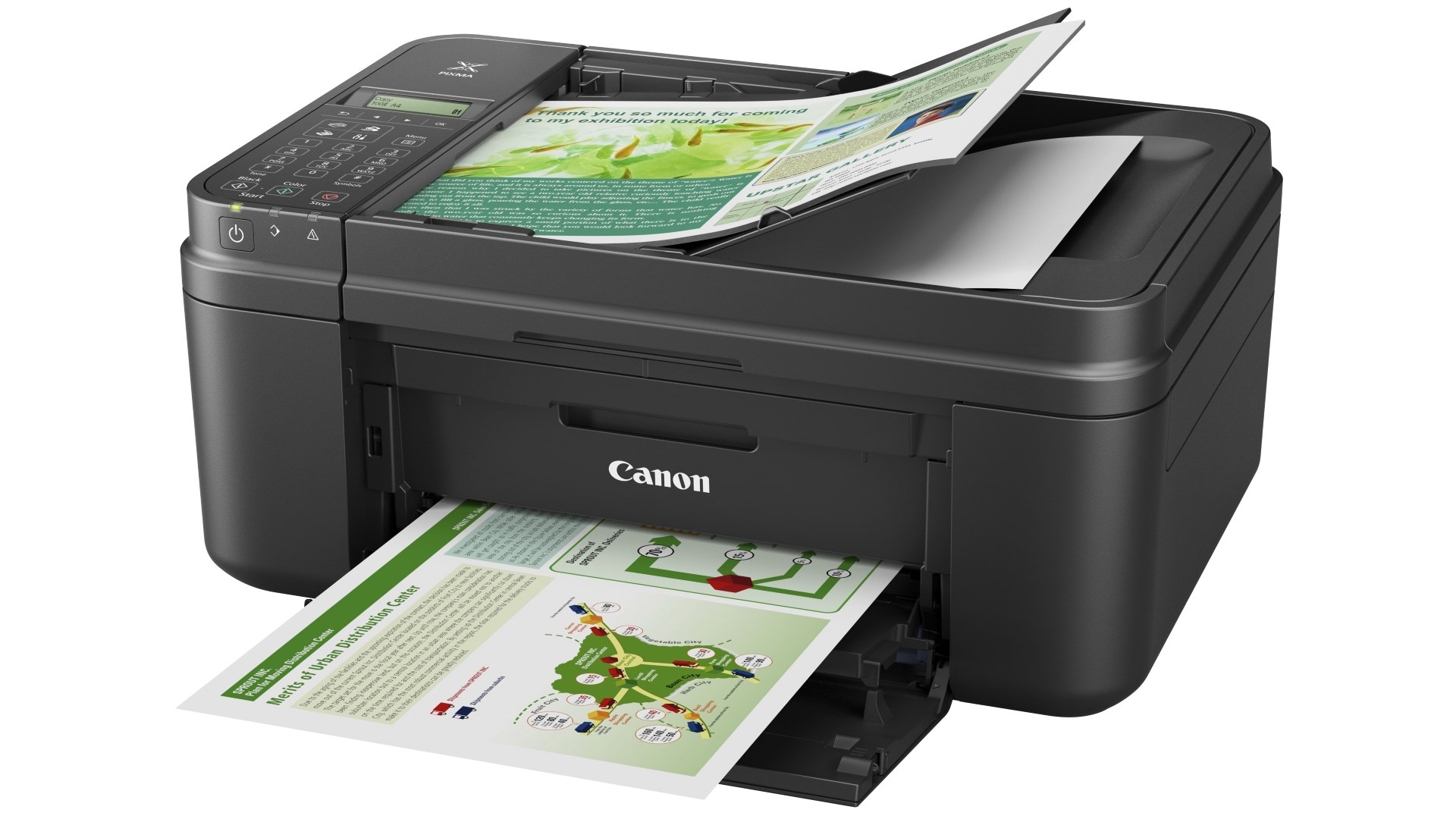
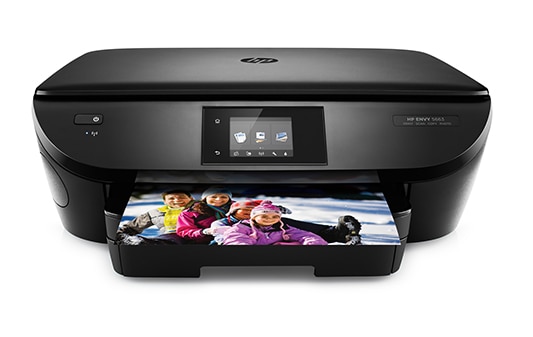
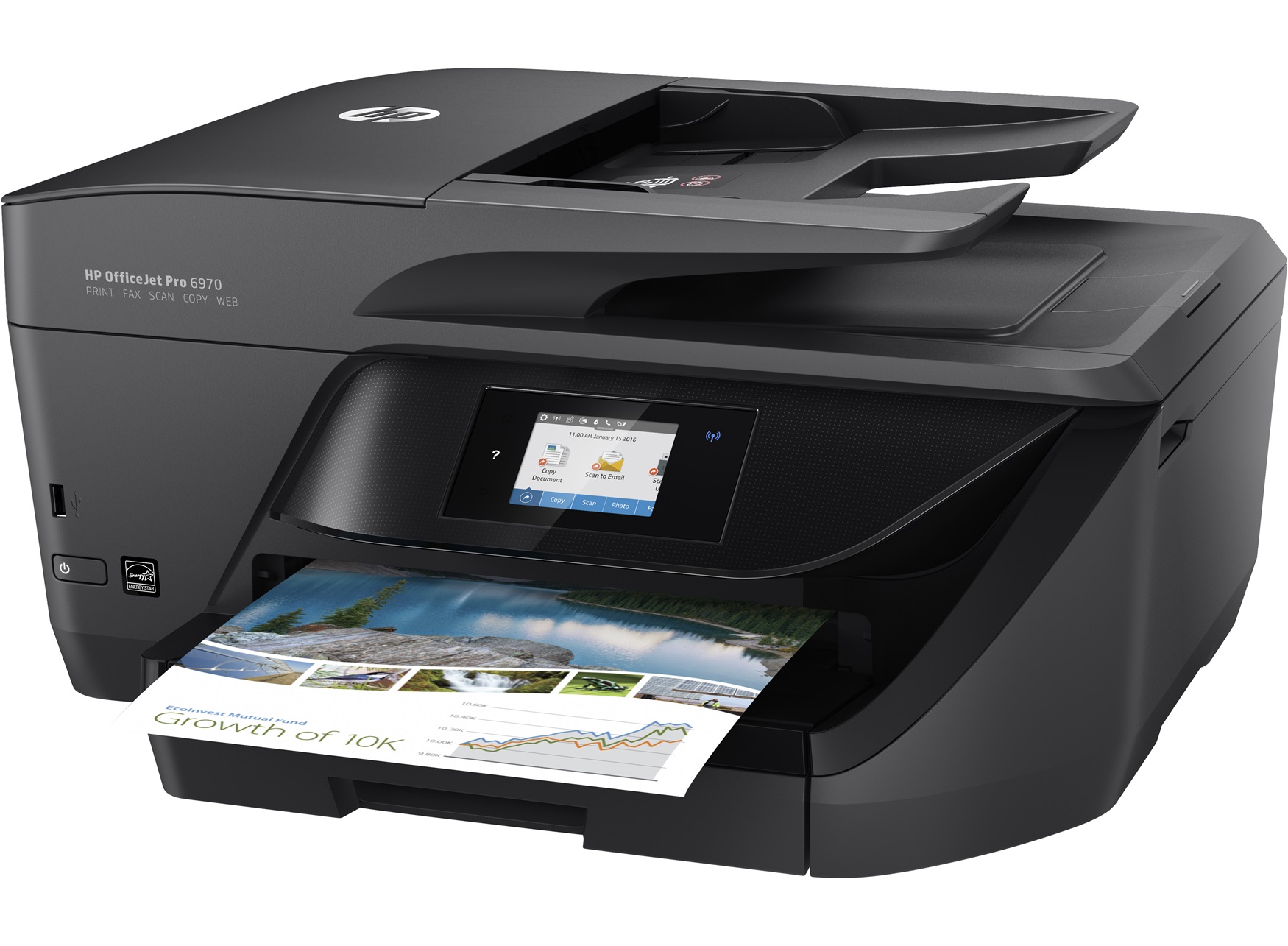 All-in one Printers
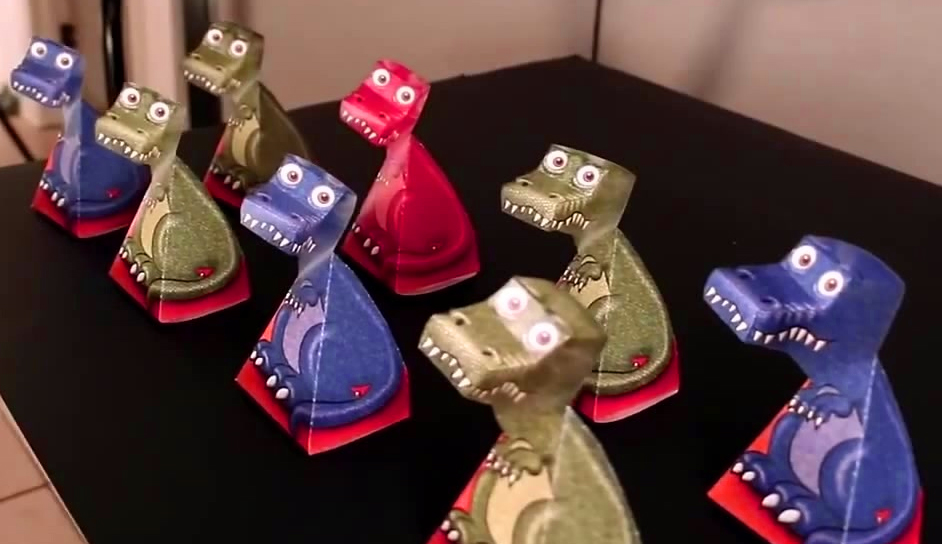
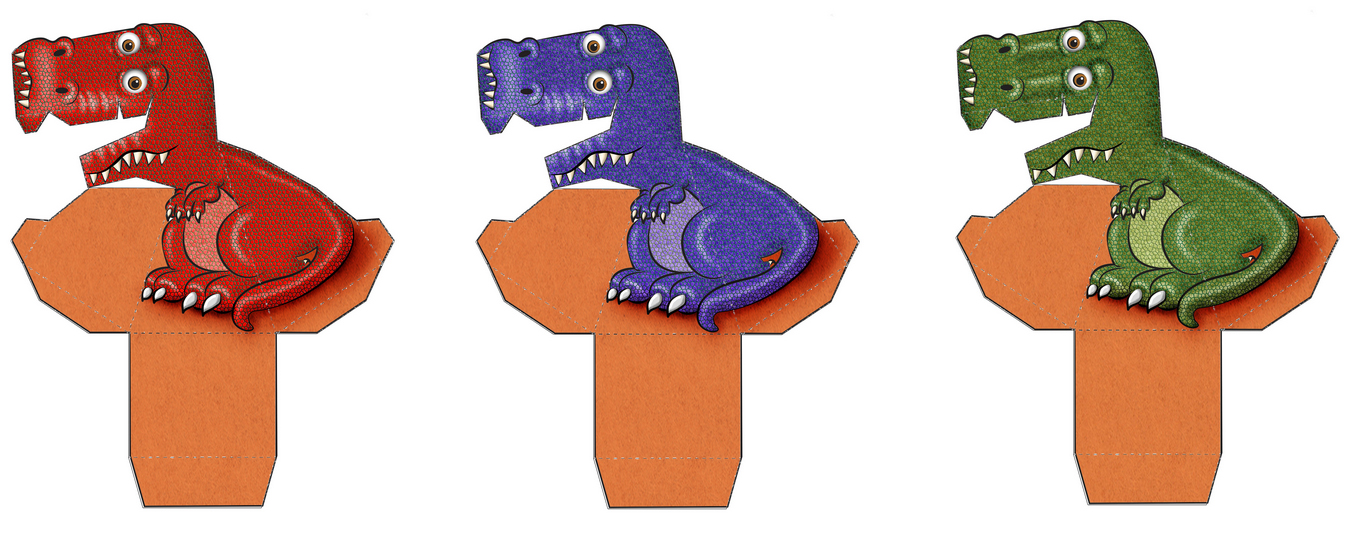
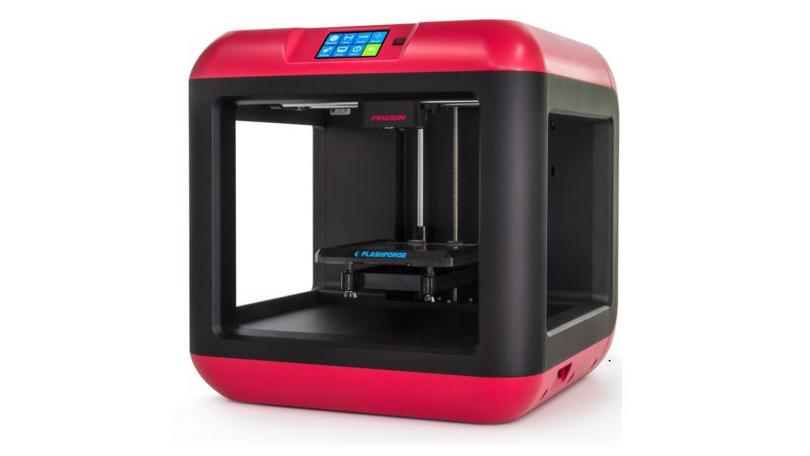 3D Printers
 History of Movember








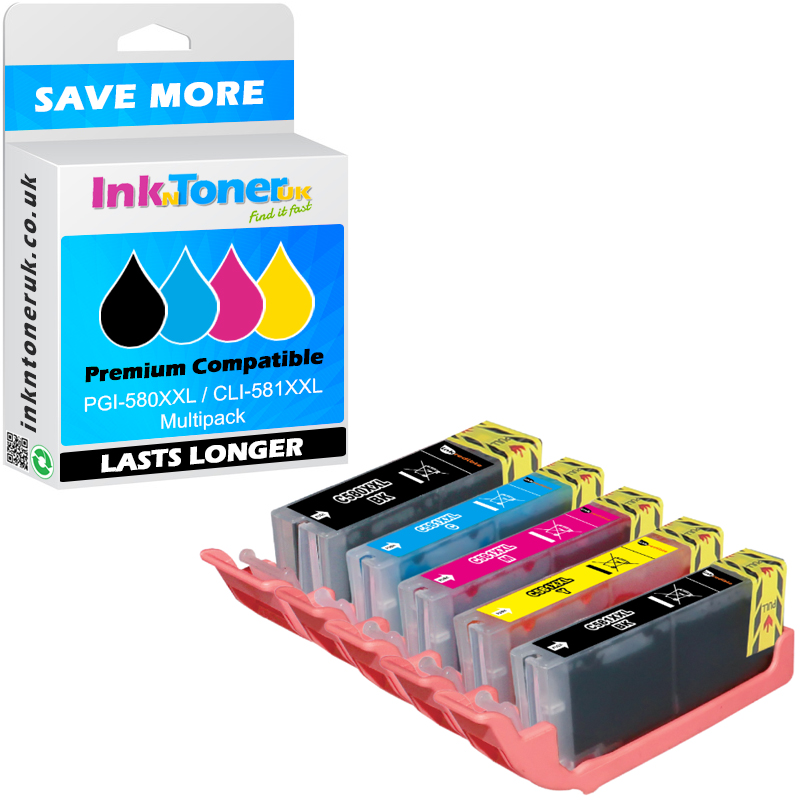
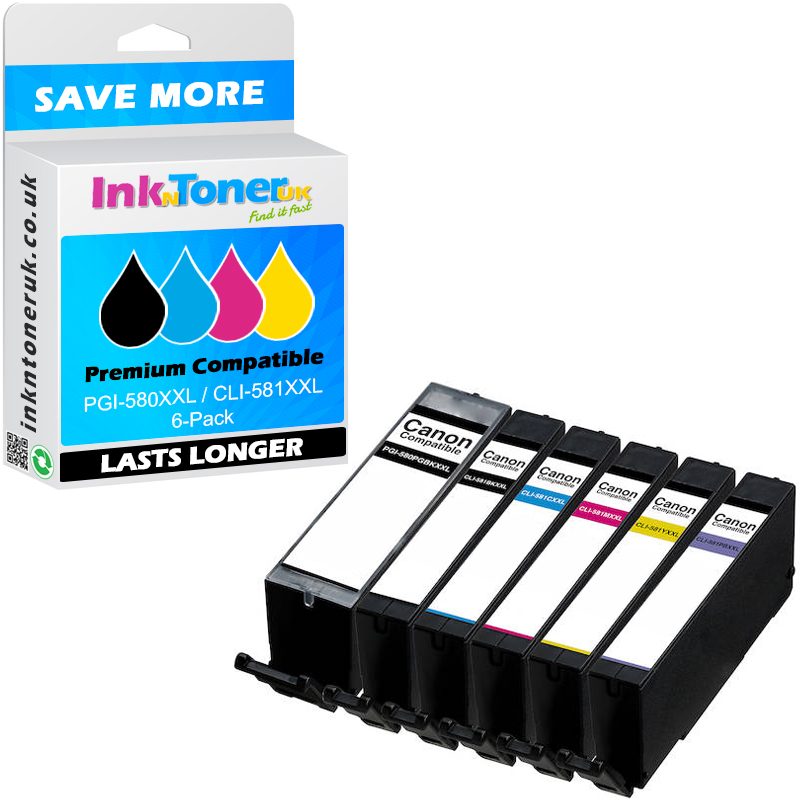








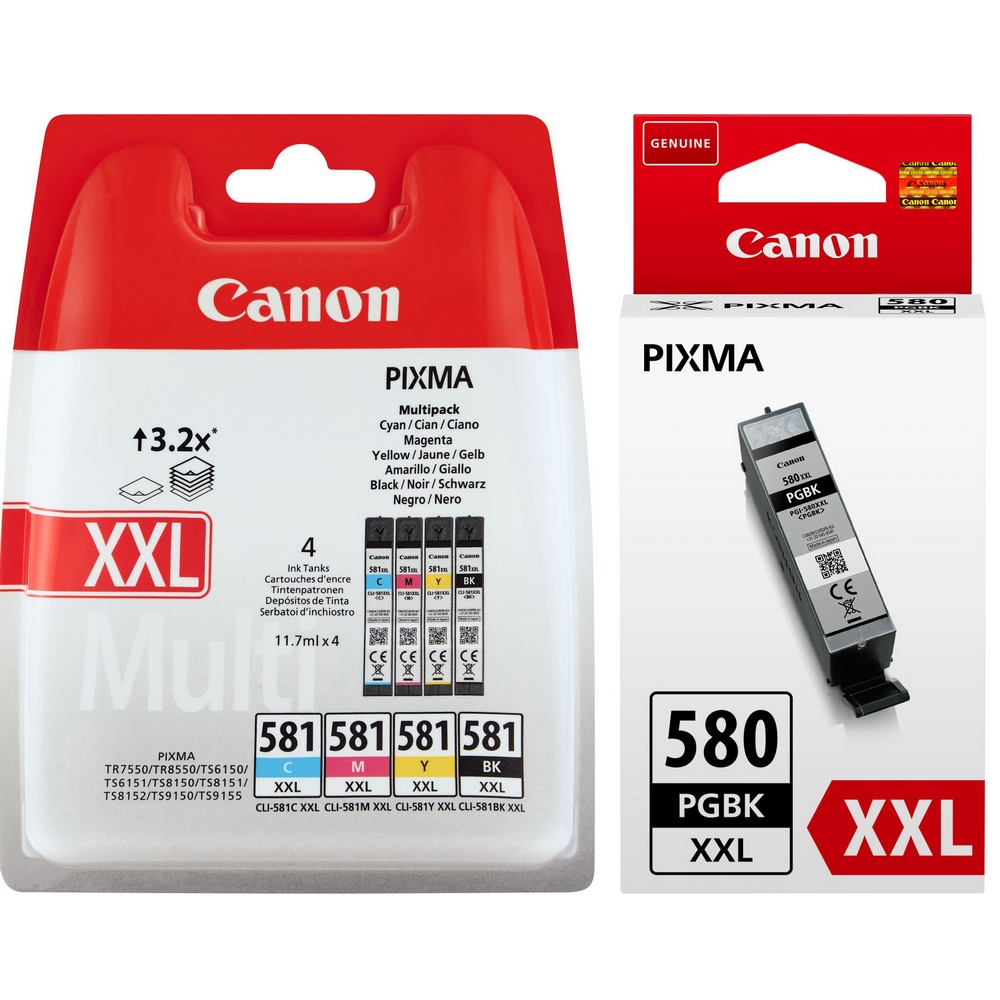
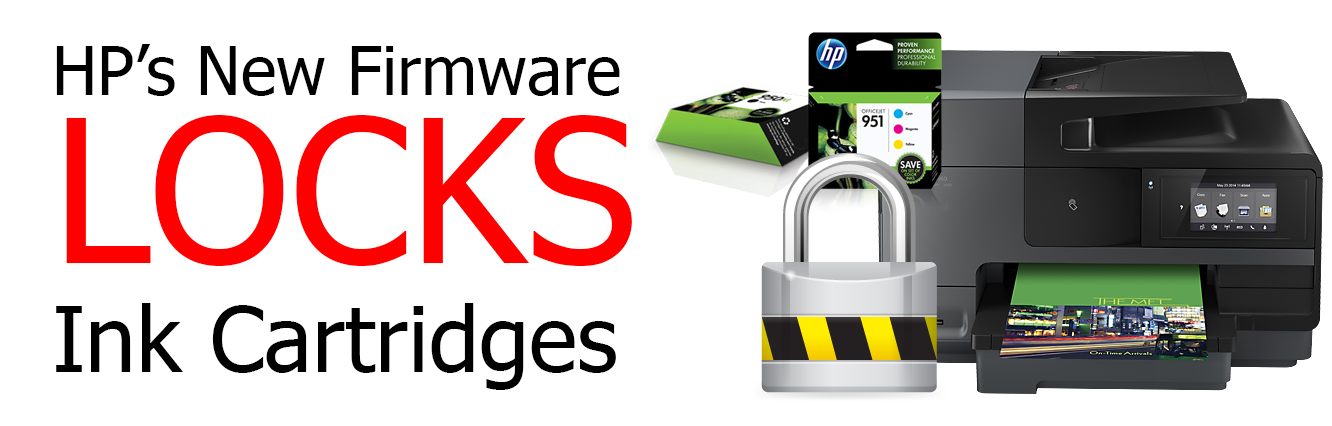
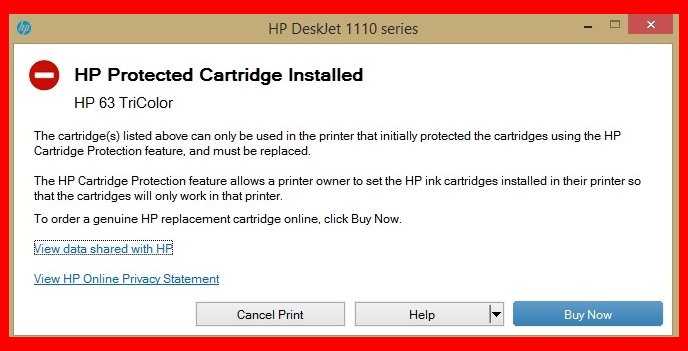
 This will also pose a risk of locking out any compatible cartridges we sell, as they will be in the “old” category.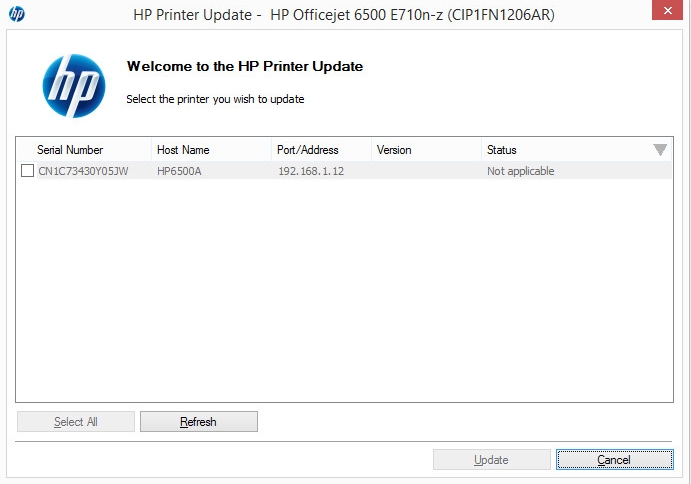





















 It is international Nurses Day! Today is the day that we show our appreciation to our hardworking nurses at the NHS. Organised annually international nurse’s day celebrates the contribution nurses make to our society around the world. The birthday also holds special significance as it the birthday of one of the most famous nurses in history, Florence Nightingale.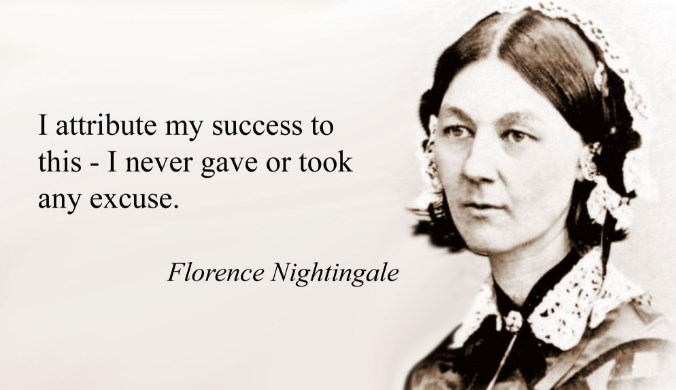



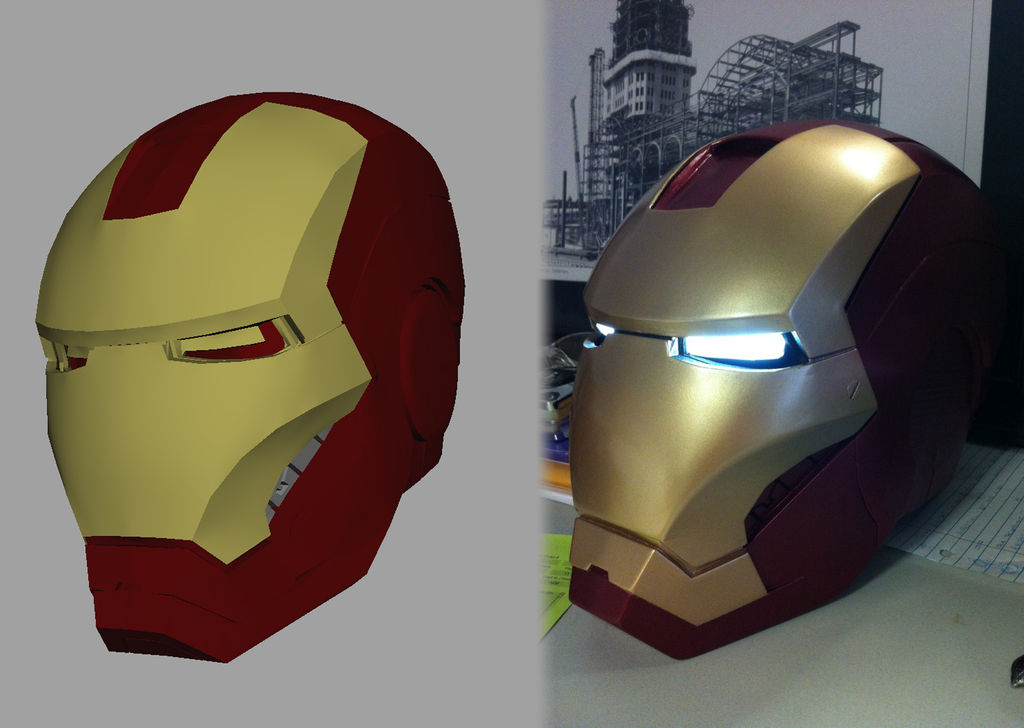 3D Printing





 Today is Friday the 13th. If you are not in the least bit superstitious, this day probably does not mean anything to you and you are only excited about the fact that it’s Friday and you do not have to work on the weekend (I know I am!)
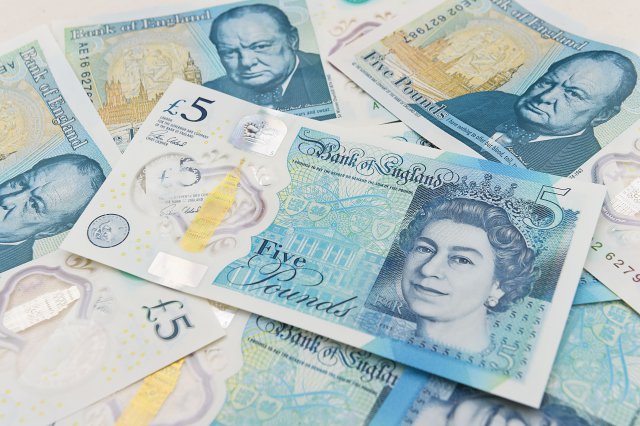
 Happy New Tax Year, everyone! This day officially marks the start of the new tax season. Along with that, come changes to different categories like the Personal allowance, Income tax, National insurance and a few other categories. Here are some of the changes coming to some of the taxes.
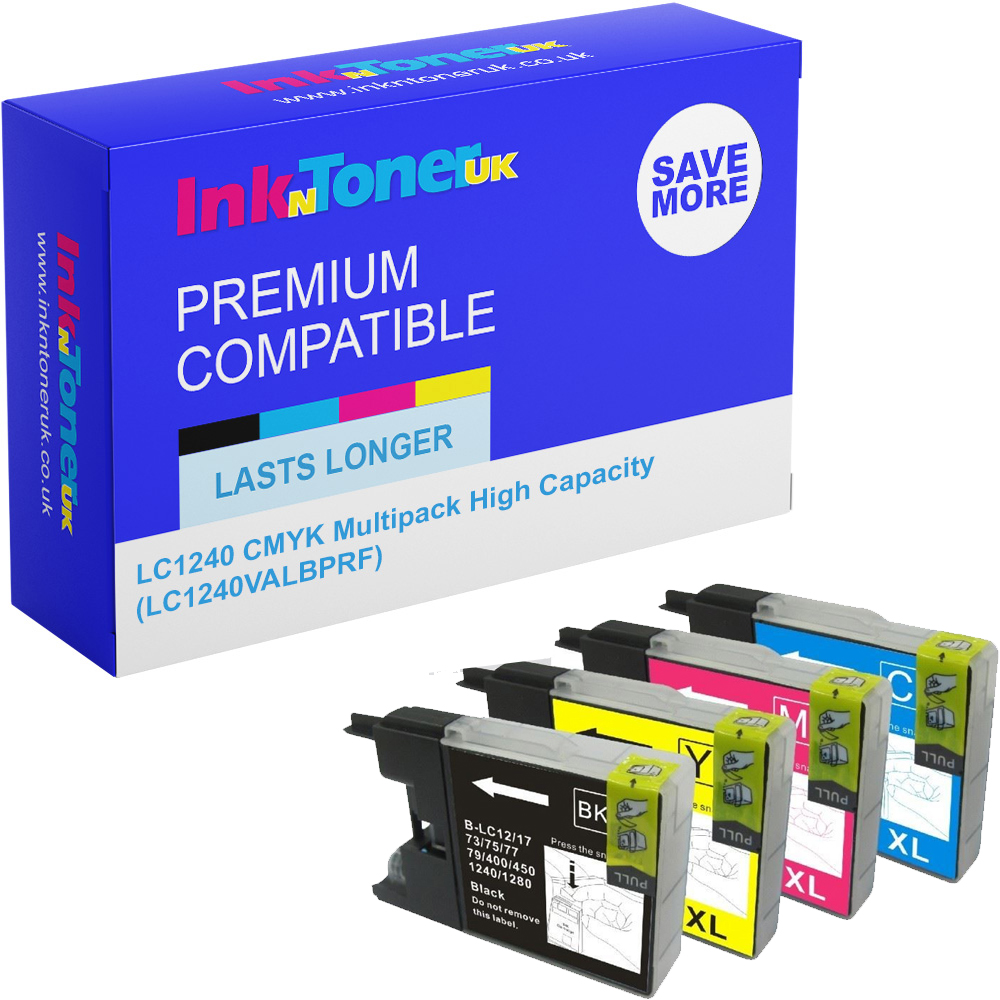






 Are you fed up of the constant driver updates that come along with owning a printer? At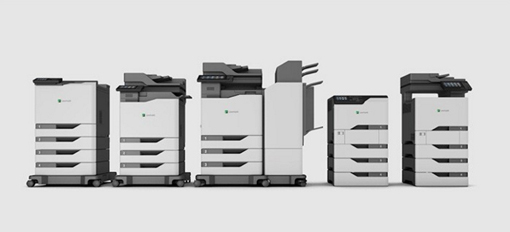




 Printing is still a growing industry and with more people discovering its unique uses maybe you have wondered to yourself. How can I get started and how can I use printing to start up my own business? We at




























































































































































































 FREE UK delivery on everything.